User guides
Teamox step by step
Our guides to download and print, with screenshots from the app. The guides are currently available in German only, matching the German user interface.
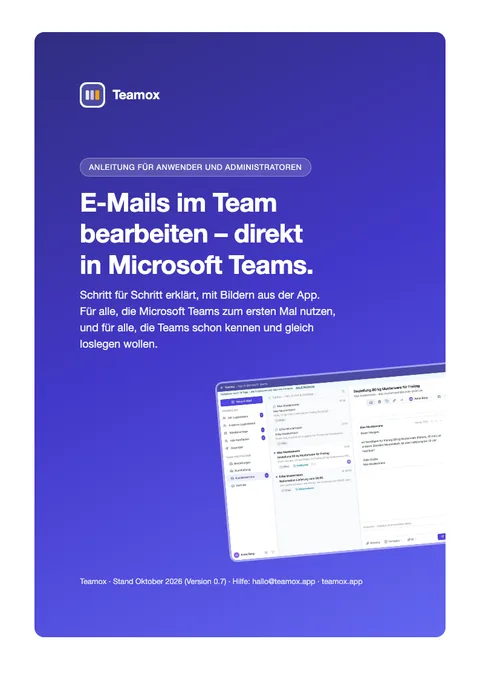
Main guide (German)
Guide for users and administrators
One guide for everyone: Teams newcomers start with part A, experienced Teams users jump straight to part B or the quick start on page 2. Administrators find the setup in part C.
- AMicrosoft Teams for beginnersInstall, sign in, interface, chat, notifications, pinning Teamox.
- BWorking with Teamox21 chapters: replying, assigning, notes, snooze, search, AI, contact tab, mobile.
- CFor administratorsSetup wizard, deploying the Teams app, users, rules, reporting, subscription.
- DAppendixCheat sheet, FAQ and key terms.
Add-on guides
Every add-on has its own short guide: setup by the administrator and daily use. So each team only gets what it actually uses.
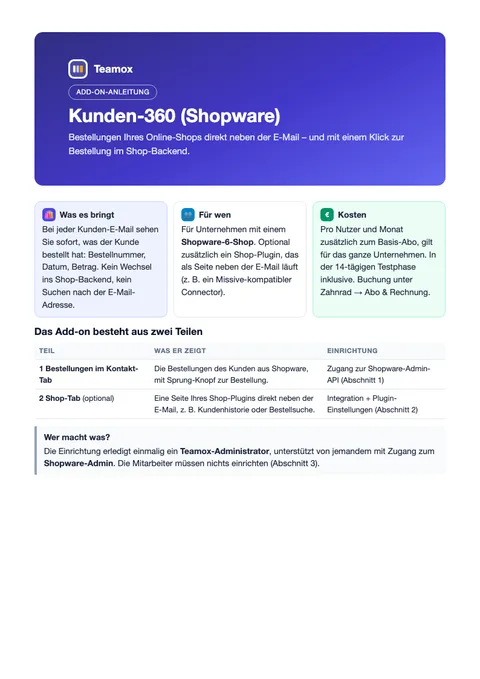
Customer 360 (Shopware)
Connecting Shopware, orders in the contact tab, shop tab with plugin settings and Teams package.
Download PDF4 pages · 0.6 MB · German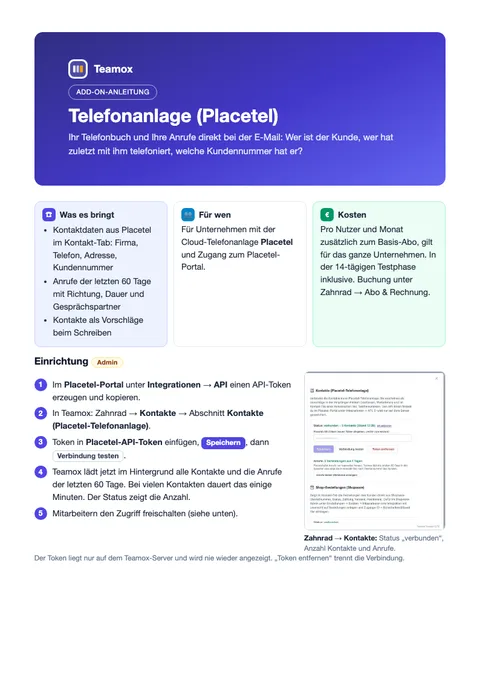
Phone system (Placetel)
API token, access per employee, customer number in the contact name, calls and contacts in daily use.
Download PDF3 pages · 0.5 MB · German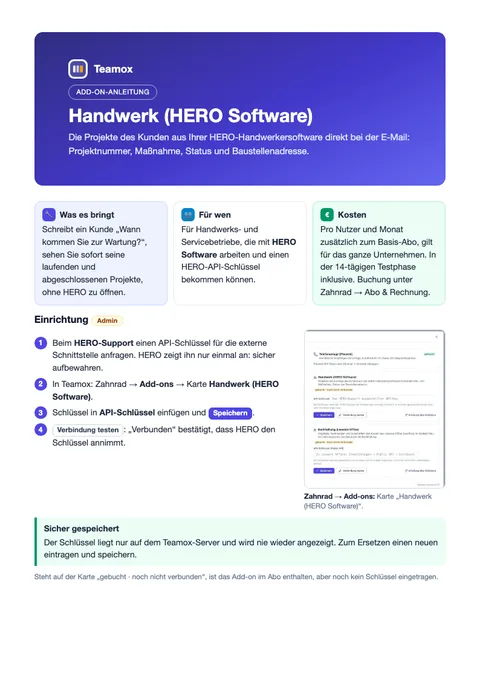
Trades (HERO Software)
Entering the API key from HERO support, customer projects with status and site address.
Download PDF2 pages · 0.4 MB · German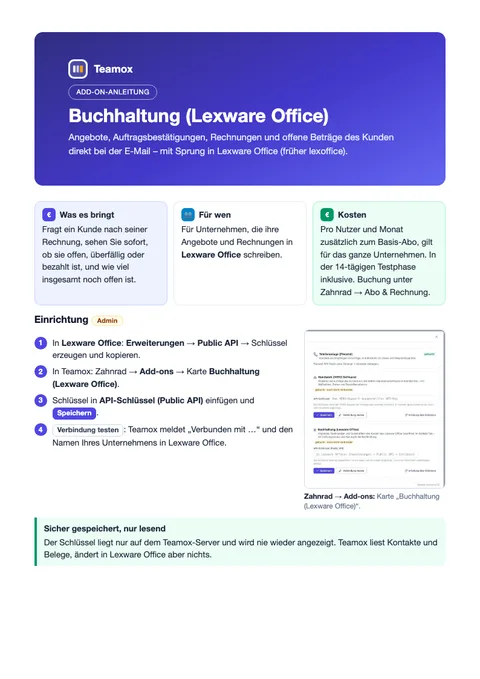
Accounting (Lexware Office)
Public API key, quotes, invoices and open amounts of the customer with a jump into Lexware Office.
Download PDF2 pages · 0.4 MB · German
Help inside the app
In Teamox under the gear icon → “Hilfe & Support”: search the FAQ or send a request to our support team.
Still deciding?
How it works explains the setup. Background on shared inboxes and team mailboxes is in our guides.
Get started with your team in Microsoft Teams.
Try free for 14 days, no credit card. Set up in an hour, cancel any month.